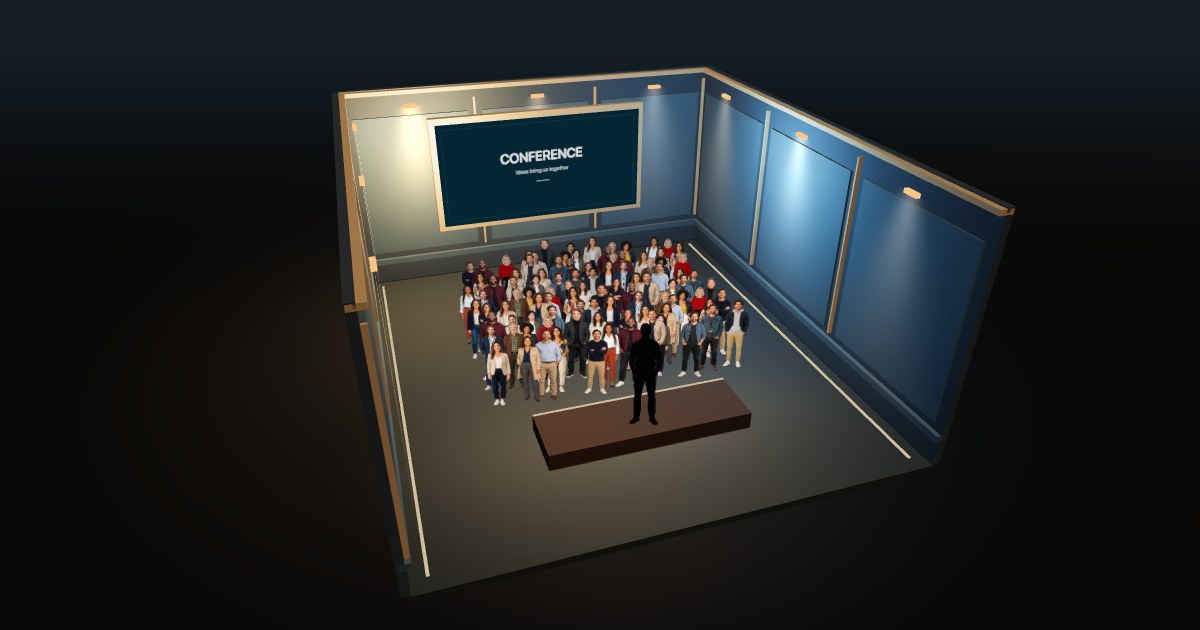
100 PEOPLE / STANDING
A standing audience
A useful first look at a meetup or reception. Rotate the scene to see the people at the back.
Explore this view ↗CROWD SIZE / 01
A hundred people is easier to understand when you can see the faces. Compare the same number standing, sitting and gathering for a night out.
Free to explore · No signup · Save & share your view
AT A GLANCE
These scenes each contain exactly 100 audience members. A seated layout makes the rows easier to follow; a standing arrangement looks less ordered. The number stays the same in every view.
SEE THE DIFFERENCE
Real simulator captures. Each view fits its own scene; camera distance is not fixed across these images.
100 PEOPLE / STANDING
A useful first look at a meetup or reception. Rotate the scene to see the people at the back.
Explore this view ↗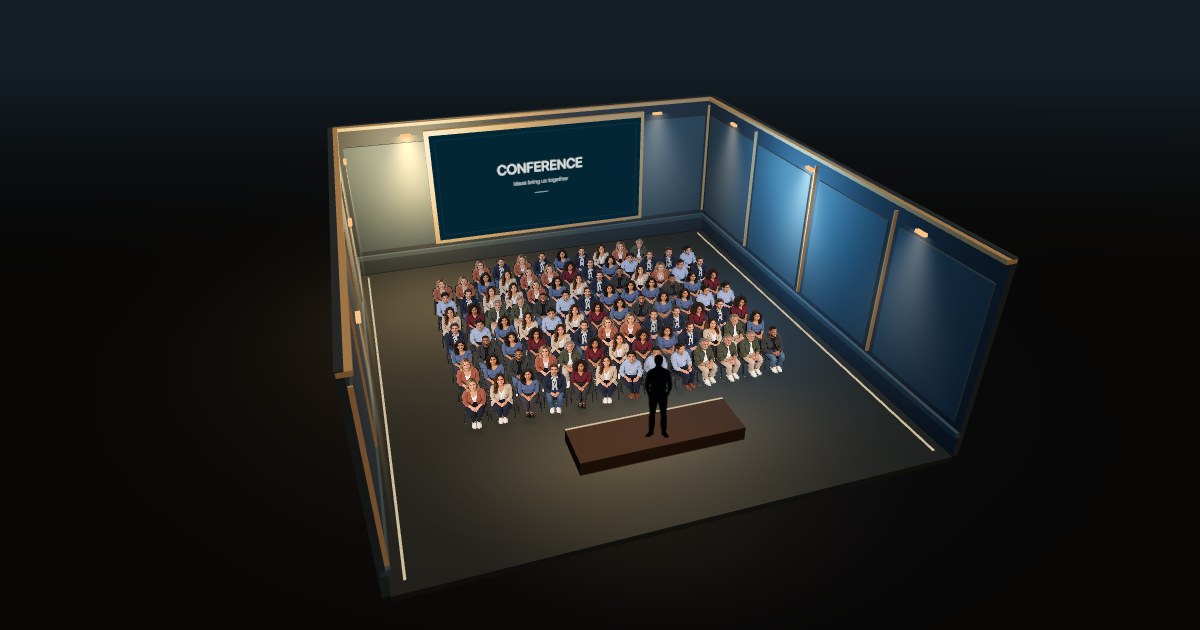
100 PEOPLE / SEATED
Compare the rows, chairs and sightline towards the stage. Seating is available in the indoor Audience scenes.
Explore this view ↗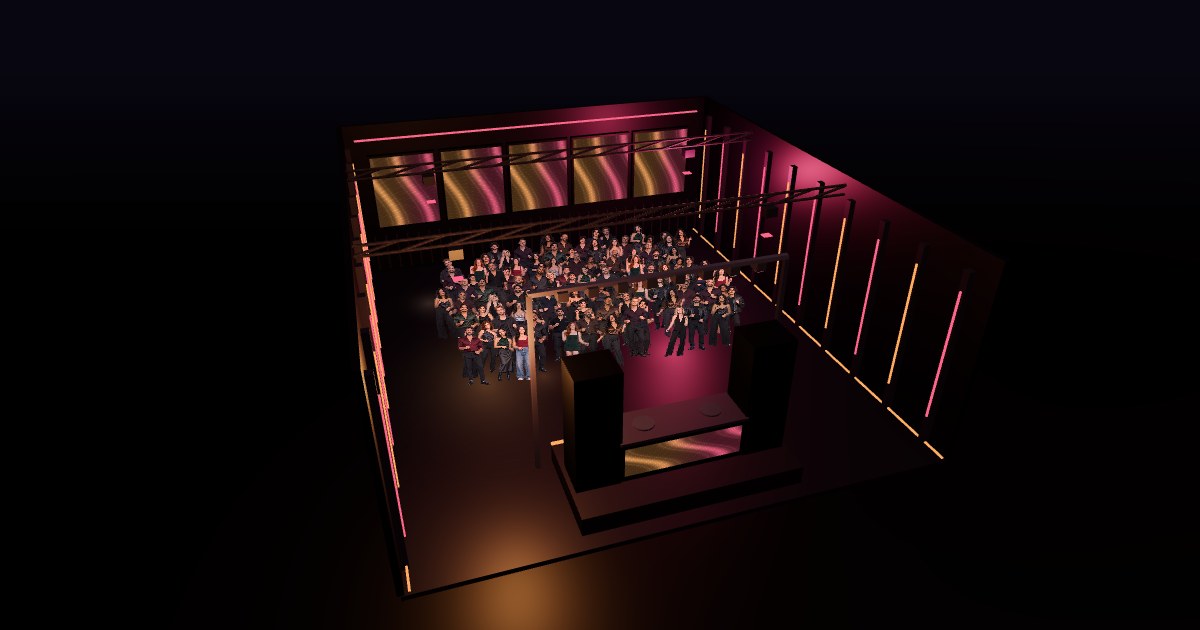
100 PEOPLE / STANDING
Put the same guest count in a party hall with a DJ booth. Nightclub guests always stand.
Explore this view ↗01
It depends on the setting. For a workshop or a presentation, a hundred attendees means many individual people to address. In a large event hall, the same group can occupy only part of the space. A number alone cannot tell you whether a venue will feel full.
Use the standing view to get a sense of the group, then open the seated view when rows and chairs matter to your event. Both show an illustrative room that adapts to the audience; neither reproduces a particular venue.
02
As a simple arithmetic reference, 100 × 0.5 m² gives 50 m² of clear crowd floor area. The 0.5 m² allowance appears in Cornwall Council’s event guidance. It is not the total area of a venue.
Chairs, circulation, a stage and facilities change the layout. The venue’s approved capacity and event configuration are the relevant references for a real booking. MyCrowd illustrates an entered number; it does not calculate occupancy limits.
03
A hundred followers or subscribers can feel small on a dashboard. Seeing one person for every follower gives that number a human scale. Open the visualizer, choose Followers or Subscribers in Settings, and save a PNG for a milestone post.
You enter the number yourself. MyCrowd does not connect to your social account, check your follower count or predict how many people would attend an event.
GOOD TO KNOW
Yes. Each capture comes from a MyCrowd configuration with 100 audience members. The separate speaker on stage, chairs and scenery are not part of the audience count.
Yes. Open the 1,000-person guide or change the number in the visualizer. The camera fits each crowd into view, so compare the selected number and arrangement rather than treating screenshot size as a fixed scale.
Yes. Open a scene, adjust the view, then choose Save image in the visualizer’s settings. You can also copy a link that preserves your number and scene.
FOR VENUES & BRANDS
Run a hall, club or event venue? Discuss a custom visualization with Cyril Dieumegard, creator of MyCrowd.